What to Look for in an AI Business Bank Account in 2026
“AI” is on every business banking pitch now. Here’s a practical checklist for judging an AI business bank account: who holds your money, fees, integrations, security, and honesty about what’s live.
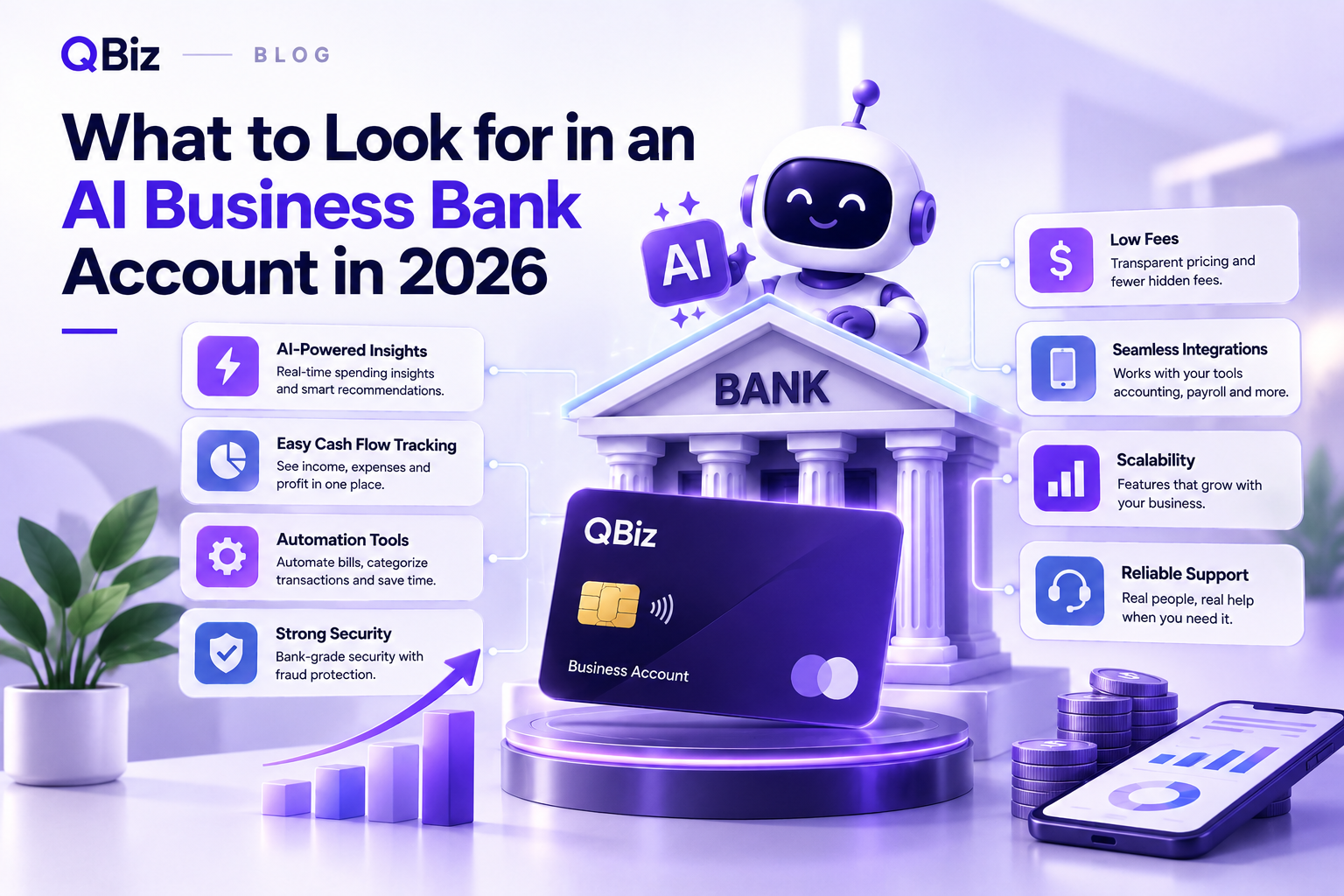
What to Look for in an AI Business Bank Account in 2026
Business banking used to be simple: a checking account, a debit card, and a monthly statement. Now almost every fintech and bank is adding “AI” to the pitch, and it’s hard to tell what’s real and what’s just a label.
If you’re comparing options, this guide covers what actually matters in an AI business bank account, and what to ask before you open one.
First, What Does “AI Business Bank Account” Mean?
There’s no official definition. In practice, it usually means a business account that uses AI to help you understand your money, not just hold it. That can include answering questions about your spending, flagging cash flow problems early, and pulling data from the tools you already use.
Because the term is loose, two products with the same label can be very different. Here’s how the idea differs from a standard account:
Standard business account
AI business banking
Main job
Holds money, moves money
Holds money and explains it
Your questions
You read statements and export reports
You ask in plain English and get an answer
Cash flow problems
You notice them yourself
The platform flags them early
Other tools
Usually separate
Connected (sales, accounting, ads)
So judge the features, not the name.
1. Where Your Money Is Actually Held
Many fintech platforms aren’t banks themselves. They work with a partner bank that holds the deposits.
That’s not automatically a problem, but you should know who holds your money. Look for:
• The name of the partner bank
• Whether deposits are FDIC-insured, and up to what limit
• Whether that coverage applies to your account type
If this information is hard to find, treat it as a red flag.
2. Fees You Can Actually Predict
Fee pages can be confusing on purpose. Before you sign up, check for:
• Monthly maintenance fees, and how to waive them
• Charges for wires, ACH transfers, and overdrafts
• Cash deposit limits and fees
• Fees for extra users or cards
An account with a low monthly fee can still cost more than a “paid” one if the transfer and deposit fees add up. Add up what you’d pay in a normal month, not just the headline price.
3. Connections to Your Existing Tools
This is where AI banking either helps or doesn’t. If the account can’t see your sales, invoices, and expenses, the AI has little to work with.
Check whether it connects to the tools you use, such as Stripe, Shopify, QuickBooks, or your ad platforms. Also ask how the connection works. Read-only access is generally safer, because the tool can analyze your data without moving money or changing your records.
4. AI That Answers Real Questions
A chart is not the same as an answer. Good AI features should let you ask things like:
• “Why does cash flow feel tight this month?”
• “Which expenses went up recently?”
• “Am I actually profitable?”
and respond using your numbers, not generic advice. Try it during a demo or free trial. If the AI only gives general tips, it’s a chatbot with a bank logo.
Also remember that AI can be wrong. A good platform lets you check the underlying records, and doesn’t pretend to replace your accountant.
5. Early Warnings on Cash Flow
The most useful thing an AI layer can do is tell you early. Look for alerts on things like:
• A slow drop in your cash balance
• Unusual or duplicate charges
• Customers paying later than usual
• Expenses growing faster than revenue
If you want a simple routine to pair with those alerts, our guide on how to track cash flow without hiring a CFO is a good place to start.
6. How You Get Paid, and How Fast
If you take card payments, check how they land in your account. Ask about:
• Deposit timing (same day, next day, or longer)
• How payment data shows up next to your other numbers
• Whether you can accept payments from the same platform
Platforms that combine banking and payments can save you reconciliation time. If you’re also comparing processors, myQBiz.ai Merchant Services is one option to look at.
7. A Path to Financing
You may not need a loan today, but it helps if your bank relationship can grow with you. Some platforms let you check financing options from the same place you manage money, which can save repeating the same paperwork across lenders.
Look for clear information about the programs offered, whether checking eligibility affects your credit, and whether a real person can help. For example, myQBiz.ai Lending offers one guided application across several programs, with a soft credit inquiry to check eligibility.
8. Security and Access Controls
You’re connecting financial data, so security matters more than features. Ask about:
• Two-factor authentication
• Encryption of your data
• Role-based access, so employees only see what they need
• Recognized security standards or audits
• What happens to your data if you leave
Look for specifics. “Bank-level security” with no details isn’t an answer.
9. Honesty About What Is Live Today
This one gets overlooked. Some platforms advertise features that are “coming soon” right next to the ones that work now. That’s fine, as long as they’re clear about which is which.
Ask directly: Which features can I use today? What’s on the roadmap, and is there a date? A company that answers plainly is usually easier to trust.
A Quick Checklist
Before you open an account, make sure you can answer yes to most of these:
• I know which bank holds my deposits
• I understand every fee I’d pay in a normal month
• It connects to my accounting, sales, and payment tools
• The AI answers questions using my own data
• It alerts me early to cash flow problems
• Security details are clearly explained
• The company is clear about what’s live and what’s coming
What You Can Use Today at myQBiz.ai
Applying point 9 to ourselves: the AI Business Bank is on the roadmap and isn’t live yet. What is live is the free AI Business Advisor, which connects to Stripe, Shopify, QuickBooks, and Meta Ads and lets you ask about your revenue, cash flow, and profitability in plain English. It’s free for launch users, with no credit card required. Lending and merchant services are available alongside it.
That makes it a practical way to see what AI-driven financial insight actually feels like before you decide on any account.
Final Thoughts
An AI business bank account is only as useful as the data it can see and the honesty of the company behind it. Check who holds your money, understand the fees, make sure it connects to your tools, and test whether the AI answers real questions. Do that, and you’ll be able to tell the useful products from the marketing.
Want to see what AI business insight looks like on your own numbers? Connect your tools to the free AI Business Advisor and ask your first question today. No credit card, no trial clock.
Frequently Asked Questions
What should I look for in an AI business bank account? Start with who holds your deposits and whether they’re FDIC-insured, then check fees, tool connections, whether the AI answers questions using your own data, early cash flow alerts, security details, and how clearly the company separates what’s live from what’s coming.
What is an AI business bank account? It’s a business account that uses AI to help you understand your finances, for example by answering questions about spending, flagging cash flow issues, or pulling in data from your other tools. The term isn’t standardized, so features vary.
Is an AI business bank account safe? It depends on the provider. Check who holds your deposits, whether they’re FDIC-insured, and what security controls are in place, such as two-factor authentication and role-based access.
Do I need an AI business bank account? Not necessarily. If your finances are simple, a standard business account may be enough. AI features are most useful when your data is spread across several tools and you want faster answers.
Is myQBiz.ai a bank? No. myQBiz.ai is a software platform, not a bank. The AI Business Bank is on the roadmap and not live yet.
Can AI replace my accountant? No. AI can help you review your numbers faster, but it doesn’t replace professional accounting, tax, or legal advice.