Smarter Business Banking: How AI Helps You Track, Plan, and Grow
Smarter business banking goes beyond a balance. Learn how AI helps you track your numbers, catch cash flow problems early, and plan growth.
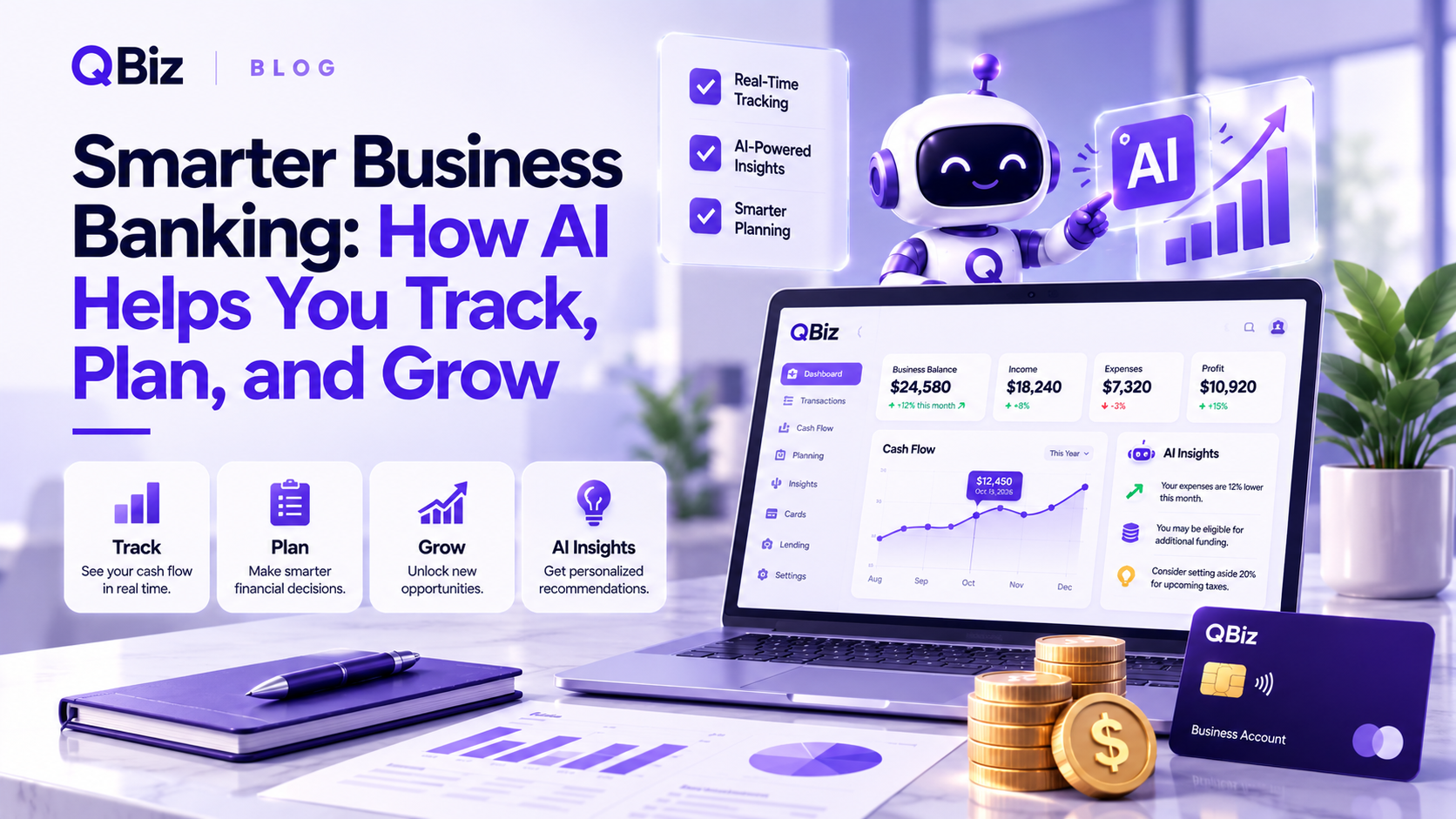
Most small business owners don’t have a CFO. They have a bank app, a few receipts, a bookkeeper who checks in monthly, and an accountant who shows up once a year. Big decisions about hiring, borrowing, and pricing end up being made mostly on gut feeling.
That gap is exactly what AI-powered business banking is trying to close. Instead of just holding your money, the idea is to help you understand it. Here’s what that looks like in practice, and how to use it to track, plan, and grow.
What Smarter Business Banking Actually Means
A regular bank account tells you what happened. Your balance went down. A payment came in. Smarter business banking adds the next question: why, and what should you do about it?
In practice, that means three things working together. Your sales, expenses, and ad spend sit in one view instead of five logins. You can ask plain-English questions about your own numbers. And you get early warnings when something looks off, before it turns into a missed payment.
If you’re still deciding what to look for in a provider, our guide on what to look for in an AI business bank account covers fees, security, and the questions worth asking.
Track: See Your Real Numbers in One Place
Most business owners aren’t short on data. They’re short on a clear picture. Revenue lives in Stripe or Shopify, expenses in QuickBooks, and ad spend in Meta Ads. Nothing connects them, so a simple question like “am I actually profitable this month?” takes an evening with a spreadsheet.
The free AI Business Advisor from myQBiz.ai is built around fixing that. You connect the tools you already use, upload documents like a profit and loss statement, and ask questions in plain English. How is my marketing spend affecting my margins? Why does cash feel tight this month? It answers using your own data, not generic tips.
It’s free for launch users, with no trial clock and no credit card.
Plan: Catch Problems Before They Cost You
Companies rarely fail from one dramatic event. More often it’s small warning signs that go unnoticed for months: a customer paying later each time, a cost creeping up, a cash balance sliding slowly.
This is where AI earns its keep. A good advisor keeps watching your numbers and flags tightening cash flow early, while you still have room to act. If you want a simple routine to pair with those alerts, start with our guide on how to track cash flow without hiring a CFO.
Planning also means looking ahead. Before you borrow or hire, you can ask the advisor what that move would do to your cash flow.
Grow: Funding and Payments in the Same Place
Growth usually needs two things: money to invest and an easy way to get paid. When those live in separate places, you repeat paperwork and lose visibility.
On the funding side, myQBiz.ai Lending brings nine loan programs into one guided application, from SBA loans and working capital loans to lines of credit, equipment financing, and invoice financing. Programs range from $10K to $100M depending on the program. Checking your eligibility takes about two minutes and uses a soft credit inquiry, so your credit score isn’t affected. AI can inform the process, but a human loan specialist is there to walk through your numbers and stay with your application. If you’re comparing paths, our guide to small business financing options lays them out side by side.
On the payments side, myQBiz.ai Merchant Services lets you accept card payments and manage processing in the same system that tracks your performance. Your sales, fees, and cash flow end up next to each other instead of in different dashboards.
Why Advice and Money Belong Together
Founder Neema Mahdavian, who spent more than two decades in banking and fintech before building myQBiz.ai, puts it this way: “The kind of clarity QBiz delivers used to sit behind a consultant’s invoice or a CFO’s salary.”
The thinking is simple. When your advice, your financing, and your payments are connected, each one gets better. The advisor knows your real cash flow. Lending decisions can reflect what’s actually happening in your business. And you’re not explaining your finances from scratch every time you need something.
How to Get Started in 10 Minutes
You don’t need to change banks or reorganize your finances to try this. Connect one or two tools you already use, such as Stripe, Shopify, or QuickBooks. Ask the question you’ve been putting off. Then look at what comes back and decide what to do next.
Frequently Asked Questions
What is AI business banking? It’s business finance that uses AI to help you understand your money, not just store it. That includes answering questions about your numbers, flagging cash flow risks early, and connecting your financial tools in one view.
Can AI replace my accountant? No. AI helps you review your numbers faster and spot issues sooner, but your accountant is still the right person for taxes and compliance.
Do I need to switch banks to use it? No. The AI Business Advisor works alongside your current accounts and tools, so you can get clearer numbers without moving anything.
Is it free to try? The AI Business Advisor is free for launch users, with no credit card required.
See Your Own Numbers Clearly
Your business already has the data it needs to make better decisions. It just needs to be easy to read.
Connect your tools and ask your first question with the free AI Business Advisor. No credit card, no trial clock.