How to Connect QuickBooks, Shopify, and Stripe Data (and Actually Use It)
A practical guide to connecting QuickBooks, Shopify, and Stripe data so you finally see one clear picture of your business — and turn it into real insights with AI.
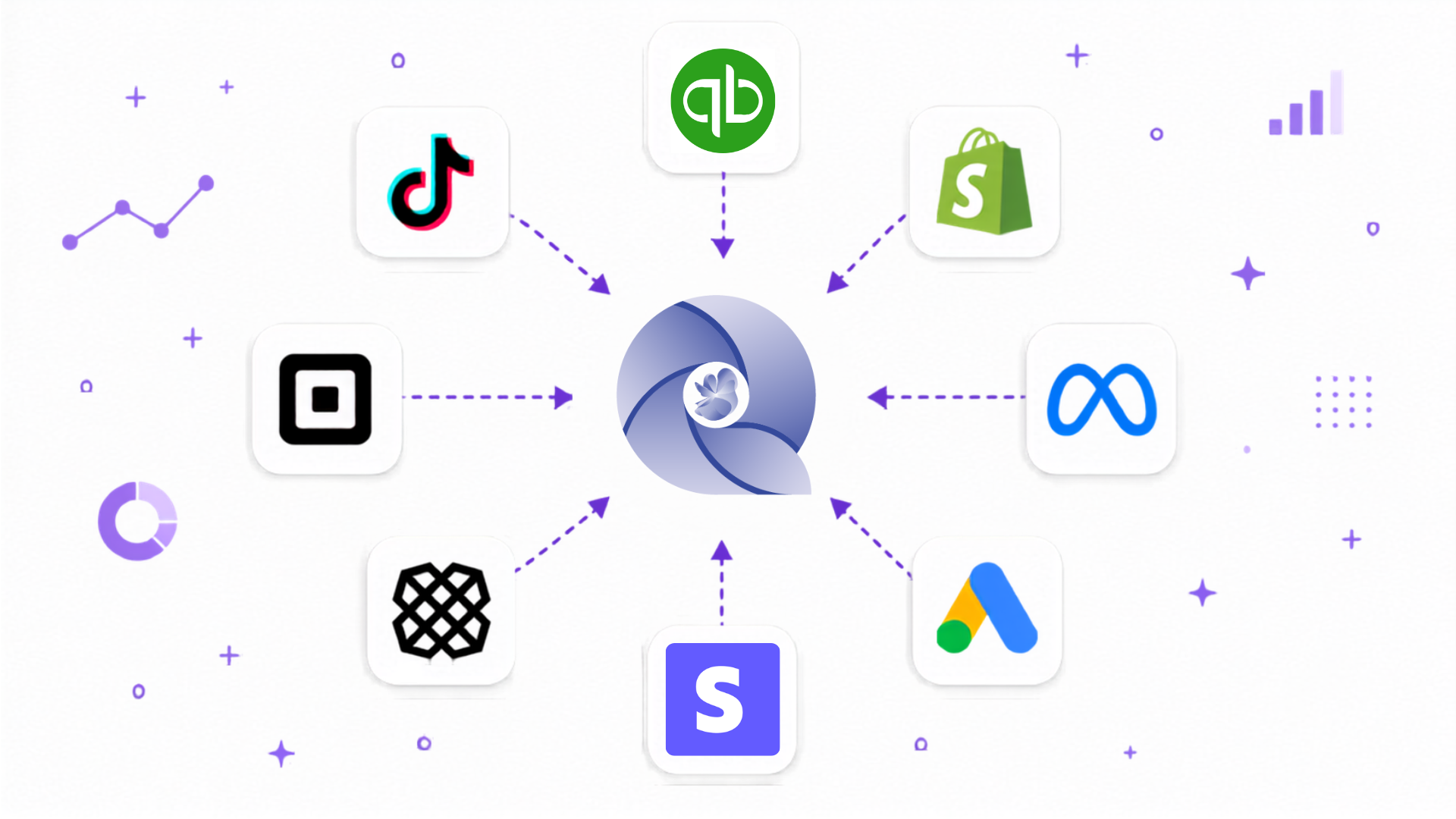
If you sell online, you're probably living inside at least three tools. Shopify tells you how many orders came in. Stripe tells you what cleared after fees. QuickBooks tells you what your accountant sees. Each one is technically right, and yet when you line them up, the numbers almost never agree. One screen says you made $52,000. Another says $47,300. A third says something else entirely.
That mismatch isn't a bug. It's what happens when three systems each measure a different slice of the same business. The fix isn't picking one and ignoring the rest — it's connecting them so they finally tell one story. Here's how to do that, and what you unlock once it's done.
Why your numbers never match in the first place
Before you connect anything, it helps to know why the gaps exist.
Shopify counts orders — including ones that later failed, refunded, or got discounted. Stripe counts payments and quietly subtracts processing fees, so its number is always a little lower than your "sales." QuickBooks counts accounting entries, often on a different timing basis, after refunds and categorization. Add foreign currency, partial refunds, and payouts that land a few days later, and you get three "true" numbers that don't line up.
None of them is lying. They're just answering different questions. The trouble is that you need a fourth answer — the real one — and no single tool gives it to you on its own.
The slow way (and why most owners quietly give up)
The manual approach is familiar: export a CSV from each platform, drop them into a spreadsheet, build some lookups, reconcile the differences, and repeat the whole ritual next month. It works, technically. It's also tedious, easy to get wrong, and out of date the moment you finish.
Worse, by the time you've reconciled last month, you're already halfway through this one. You end up making today's decisions with a rear-view mirror. Most owners do this a few times, burn out, and go back to guessing.
What "connecting" your data actually means
Connecting your tools is simpler and safer than it sounds. Instead of moving files around, you grant secure, read-only access to each account, and your data syncs into one place automatically. Read-only matters: a good platform can see your transactions to analyze them, but it can't move money or change your books. You stay in control, and the picture stays current without you lifting a finger.
That single shift — from manual exports to live connections — is what turns scattered logins into one reliable source of truth. Skip the Sunday-night spreadsheet entirely: connect Shopify, Stripe, and QuickBooks to My Qbiz.AI once, and let your numbers stay in sync on their own.
What you can finally see once everything is connected
Here's where it gets genuinely useful. When the three are talking to each other, the questions you could never answer quickly start answering themselves.
You get your true revenue — what you actually kept after fees and refunds, not the inflated top-line number. Pulling Stripe business analytics into the same view as your sales means you finally see the difference between what you charged and what you banked. You get channel and product profitability — a Shopify financial insights tool that shows which products and campaigns actually make money instead of just generating orders. And you get reconciled reality — QuickBooks AI insights that tie your bookkeeping to the cash that genuinely moved, so your "profit" reflects your bank account.
Instead of three partial answers, you get one number you can trust — and the context behind it. Curious what your real margins look like across channels? See it inside My Qbiz.AI — most owners are surprised by which product is quietly carrying the business.
From connected to genuinely insightful
Connecting your data is step one. The payoff is being able to interrogate it. This is where an AI business insights tool changes the game: once your accounts are unified, you can ask questions in plain language and get answers grounded in your actual transactions.
"Which sales channel had the best margins last quarter?" "How much did payment fees eat into profit this year?" "Is revenue actually growing, or am I just discounting more?" An AI-powered business advisor reads across Shopify, Stripe, and QuickBooks at once and explains what's going on — the kind of cross-tool analysis that used to require an analyst and a free weekend.
A simple way to get started
You don't need to overhaul anything. Pick one platform as your source of truth — usually QuickBooks for the books, with Shopify and Stripe feeding it. Connect all three so they sync automatically. Reconcile once to clear up any historical gaps. Then start asking questions and set a couple of alerts for the things you care about, like a margin drop or a spike in refunds.
That's the whole playbook: connect, reconcile, ask. Do it once and you trade hours of monthly spreadsheet work for a live picture of your business you can actually act on. Get started with My Qbiz.AI free during launch and turn three disconnected tools into one clear answer.
Frequently asked questions
Do Shopify, Stripe, and QuickBooks already integrate with each other? There are native connections between some of them, but they mostly pass raw transactions back and forth — they don't give you a single, analyzed view across all three. To actually compare sales, payments, and books in one place and ask questions about them, you need a tool that sits on top and unifies the data.
Why don't my Shopify and Stripe numbers match? Because they count different things. Shopify reports order value, while Stripe reports what cleared after processing fees and excludes failed or refunded payments. Timing differences and payouts add to the gap. Connecting both into one view reconciles the difference so you can see true revenue.
Is it safe to connect my financial accounts to a third-party tool? With a reputable platform, yes. Connections are typically read-only and use secure authorization, meaning the tool can analyze your transactions but can't move money or alter your records. Always check that access is read-only and that the provider follows recognized security standards.
What can I learn from connecting QuickBooks, Shopify, and Stripe? A lot that's hard to see otherwise: your real revenue after fees and refunds, which products and channels are actually profitable, how payment costs affect your margins, and whether growth is genuine or discount-driven. Combined QuickBooks AI insights turn three data sources into clear, decision-ready answers.
How long does it take to connect everything? Usually minutes. Most platforms use a guided, click-to-authorize setup for Shopify, Stripe, and QuickBooks, then sync your history automatically. The longest part is a one-time reconciliation to clean up past discrepancies — after that, it stays current on its own.